SanDisk 2TB Portable SSD — Recovery from an Inaccessible SecureAccess Vault
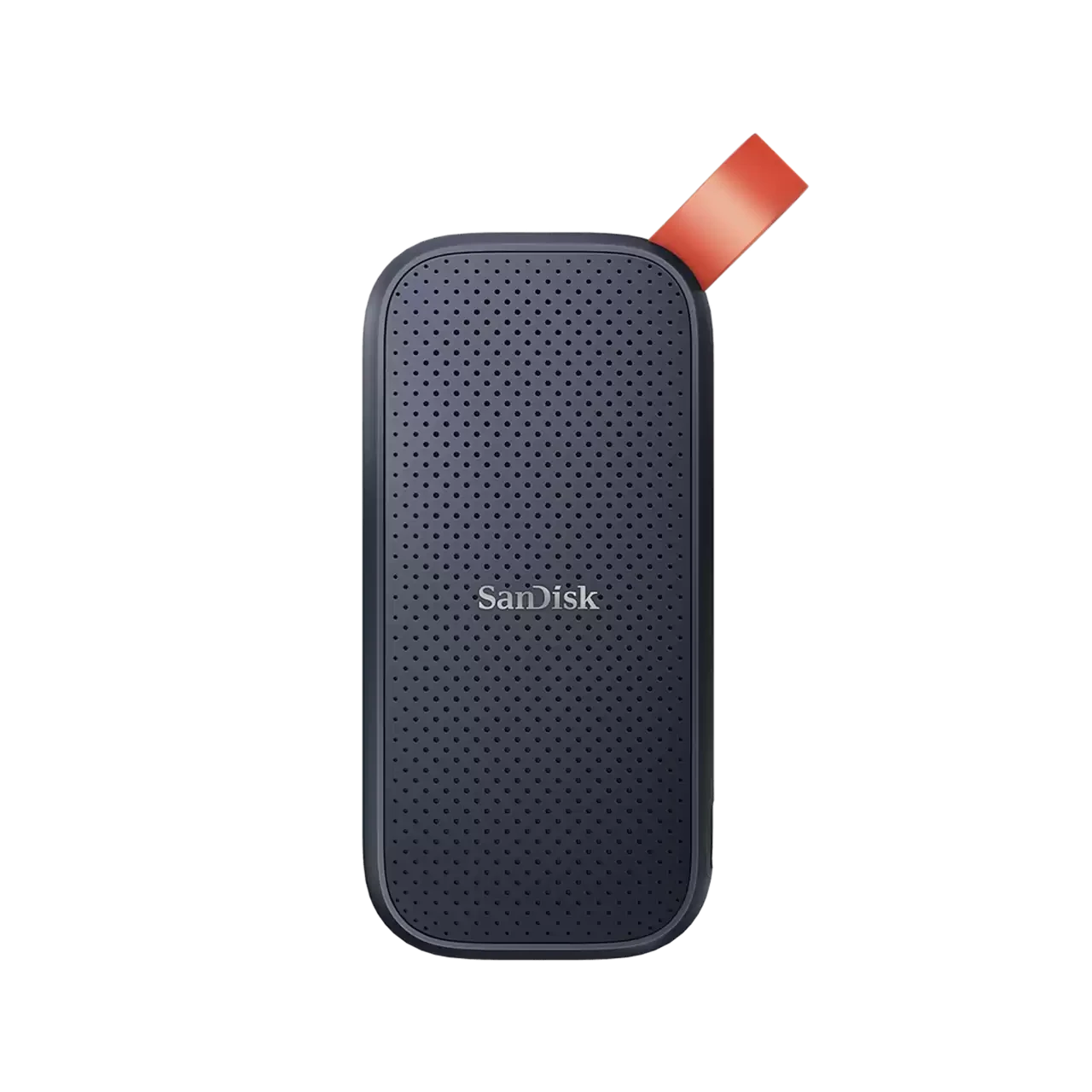
Product image for reference only. All trademarks are property of their respective owners.
The Situation
A customer's 2TB SanDisk Portable SSD contained approximately 1.3TB of important data stored within a password-protected SanDisk SecureAccess Vault. The password was known and accepted by the SecureAccess application, but after successful authentication the Vault contents were no longer displayed and the files remained inaccessible.
The Challenge
This presented a more complex recovery scenario than a conventional deleted-file or damaged-file-system case. The challenge involved both the underlying SSD storage and the logical structure required by the encrypted SecureAccess Vault. During laboratory examination, our engineers also identified the presence of bad blocks on the SSD — an additional complication that required careful management to avoid further data loss during the imaging process.
Our Approach
At our Dubai SSD recovery laboratory, the device was carefully examined and the internal NVMe SSD was accessed directly. The bad blocks identified on the device were managed in the laboratory environment using specialised SSD diagnostic equipment, ensuring the imaging process could proceed without triggering further degradation. A controlled sector-level image of the internal storage was created, working from the acquired image rather than repeatedly accessing the original device. The reconstructed SecureAccess data was then processed using the customer's valid Vault password, enabling access to the protected contents.
The Outcome
The recovery process successfully restored access to the customer's SecureAccess Vault, allowing approximately 1.3TB of previously inaccessible data to be recovered. The case demonstrates that a device appearing accessible does not necessarily mean its data can be recovered through conventional software methods — where encryption, proprietary vault structures, SSD bad blocks, and logical issues intersect, recovery may require work at several layers.
Key Takeaways
- A password being accepted does not necessarily mean an encrypted Vault and its contents remain logically accessible
- Bad blocks on an SSD must be managed carefully in the laboratory before imaging — uncontrolled access can worsen data loss
- For complex SSD cases, creating a controlled image of the underlying storage before extensive logical recovery helps protect the original media
- Modern SSD recovery can involve several layers — hardware access, bad block management, controller diagnostics, imaging, logical reconstruction, and encrypted-container recovery
- Experience with different storage generations and vendor platforms remains important alongside specialised recovery technology
Facing a data loss situation?
Contact MORE Datarecovery LLC for a free, no-obligation diagnosis. Our engineers are available Monday to Saturday, with 24/7 emergency support.